Everything in one toolkit.
Six core systems, all wired together so chat, alerts, payments, and games behave like one product.
Loyalty Gems
A per-streamer loyalty currency viewers earn by chatting and playing games. Free to earn, never a paywall — gems unlock card packs, jumpscare cards, and chaos cards on your channel.
Card Packs
Viewers redeem cards live on stream. Rarity system, card flip animations, real hype.
Chat Games
Chaos Scramble, Emoji Decoder, Hype Feud — games that make chat go crazy.
Epic Alerts
Full-screen animated alerts for raids, subs, tips, and more. AAA-quality, zero effort.
Streamer Profiles
Your own social page. Post updates, list your shop, build your audience.
HypeVision
Windows companion app that renders alerts, jumpscares, and chaos effects right over your fullscreen game — no OBS configuration required.
 12
12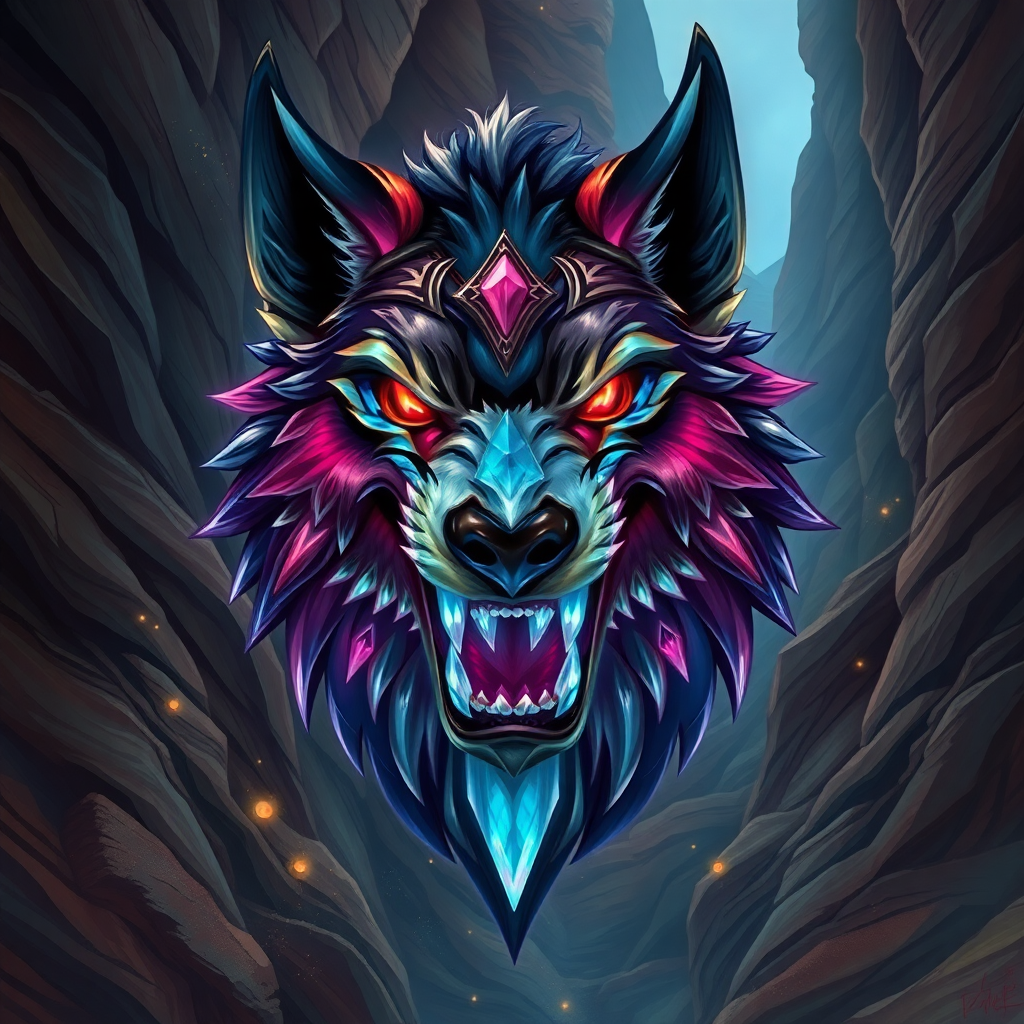 24
24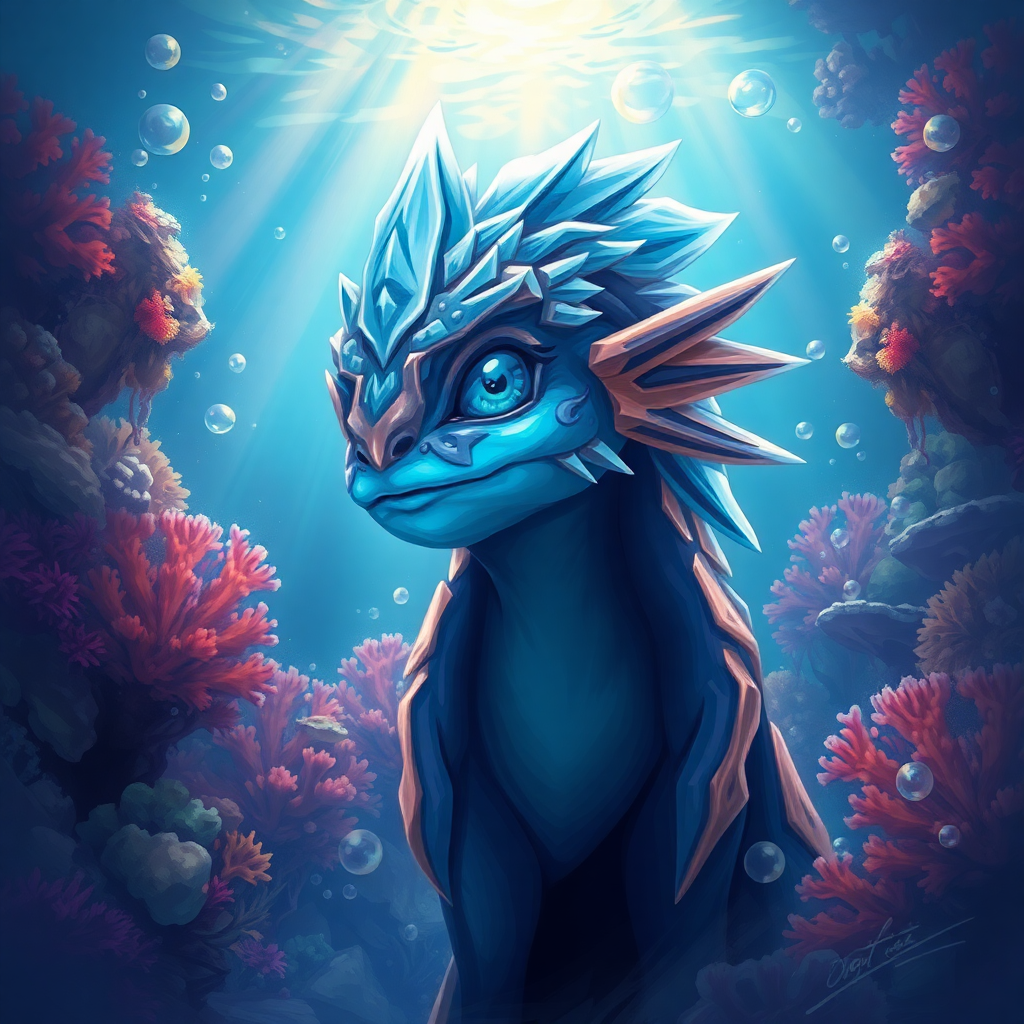 18
18 47
47A creature collector that lives in your chat.
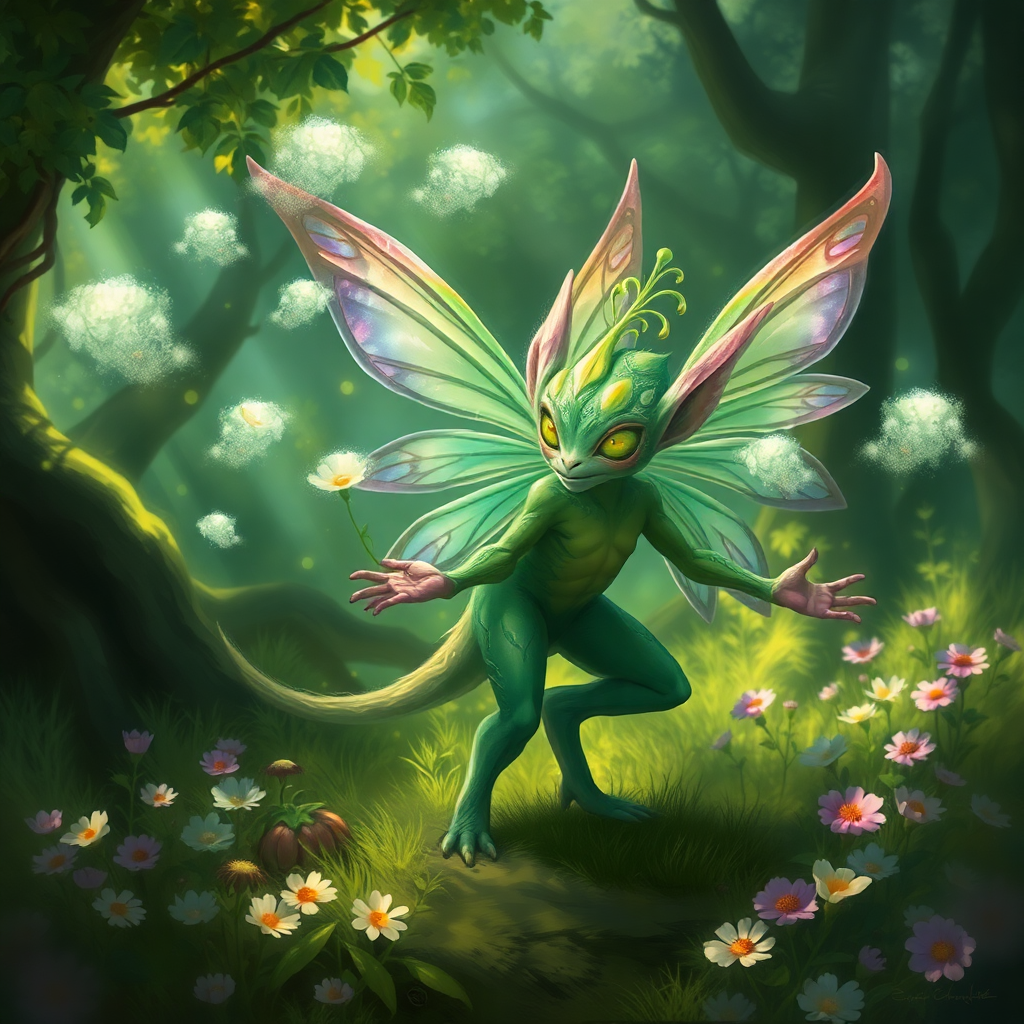
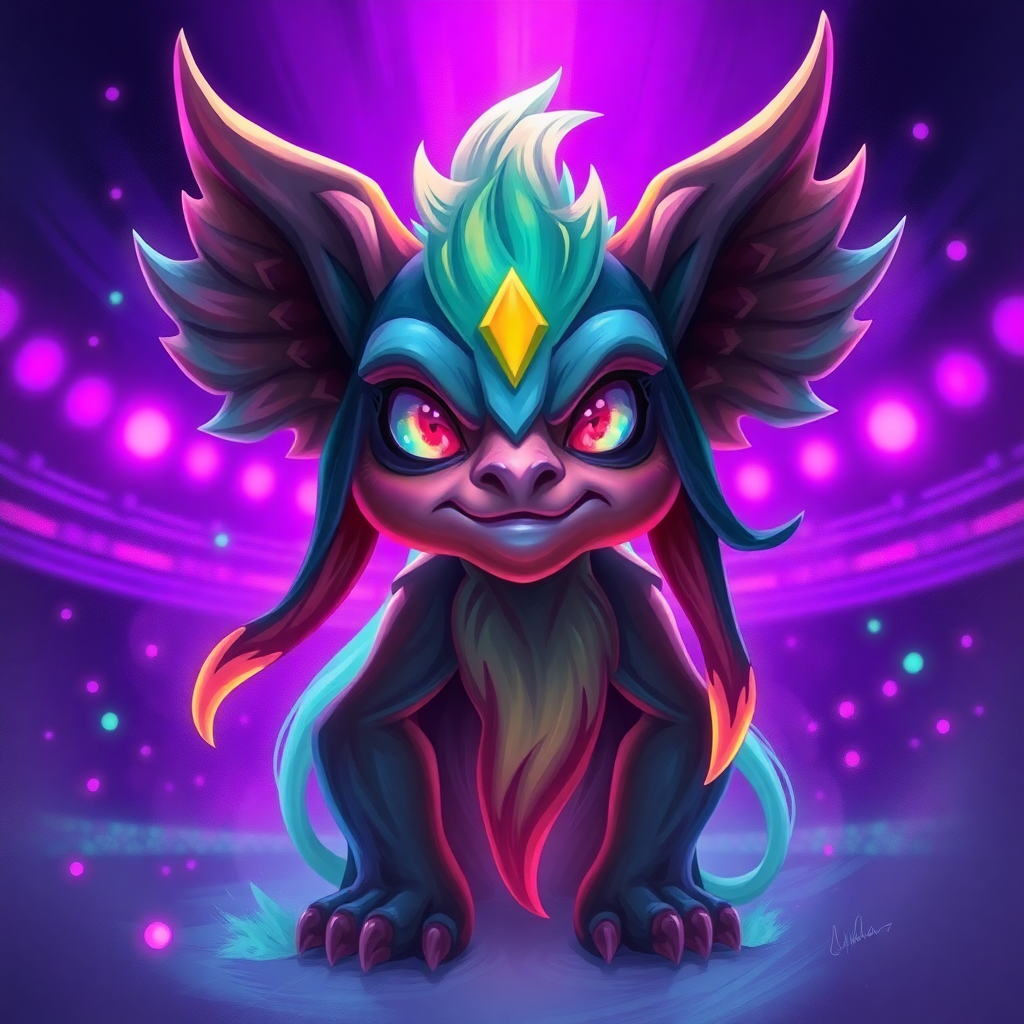
Wild HypePets spawn on top of your overlay. Viewers !attack to weaken them, race to !catch when they're downed, train them, send them foraging, set traps, and battle. One global pet roster, one gem balance, one item pool, one leaderboard — across every streamer on HypeVault.
One collection, every channel
Pets, gems, and items are global to the viewer’s HypeVault account. Hatch on one stream, train on another, battle with it on a third — the dex follows them everywhere.
Wild encounters in chat
HypePets wander across the overlay. Viewers !attack to weaken them, then race to !catch when they’re downed. No app, no install, just chat.
Forage. Battle. Evolve.
Send pets foraging for items, set traps, fight other viewers, and forge new forms. Pinata + mimic loot rains on every attacker, marquee shows the top brawlers.
Global leaderboard
One Top Players board across the network — ranked by total pet levels, tiebroken by shinies and perfects. Your viewers compete with everyone.
Effects on top of your game.
Not your overlay.
HypeVision is the Windows desktop companion that renders jumpscare cards, chaos input, and chat alerts straight over your fullscreen game. No browser source, no scene swap, no OBS gymnastics. Sign in once and it stays connected.
Jumpscares over your game
Card-triggered clips render full-screen on top of whatever you’re playing — no scene swap, no minimize.
Chaos input on tap
Chaos cards punch keys + jiggle the mouse straight at your active game. Length and intensity scale with rarity.
Auto-connects, stays out of the way
Lives in your tray, signs in once, reconnects on its own. Hardware-accelerated capture, nearly zero CPU.
Panic button built in
Ctrl + Shift + F12 kills every active effect instantly. No mod hunting through chat to make it stop.
Live in three steps.
Connect your stream
Link your Twitch, YouTube, or Kick account in seconds.
Add the overlay
Drop the browser source into OBS. Done. No configuration hell.
Watch chat go live
Viewers tip, play games, redeem cards. You stream. It handles itself.
Streamers worth following.


Free to start. Pro when you're ready.
Every feature works on Free. Upgrade only for the higher payout split and perks.